Need help?

The latest UniFi Network update brings you more control, clearer insights, and simpler tools – all designed to make network management easier and more effective.
Now available across supported UniFi devices, version 9.1 introduces a host of improvements that help you troubleshoot faster, improve performance, and stay on top of your network like never before.
Check out Ubiquiti's video below, or read on to find out more:
New Traffic Flows let you track exactly what’s going on across your network. Whether it’s a device using too much bandwidth or suspicious activity, you’ll spot it instantly – and know exactly where it’s coming from.
Monitor app usage and behaviour
Pinpoint unusual traffic
Get a full picture of what’s active or was recently running
With smarter Quality of Service (QoS), real-time apps like Zoom, Teams or WhatsApp Calls get the priority they need – so you don’t get dropouts or buffering when it matters most.
Prioritise voice and video automatically
Limit bandwidth hogs
Keep business-critical services running smoothly
Replacing a UniFi device? Now it’s even easier. Just enter the new hardware’s MAC address, plug it in, and UniFi will copy across your settings – no need to start from scratch.
Zero-touch replacement for switches and more
View history of what was connected to each port
Better visibility and control of your wired setup
Need to know why WiFi is underperforming? The new Airview tool shows what’s happening behind the scenes – from RF interference to roaming issues – so you can quickly make improvements.
See channel conditions in real time
Spot overlapping signals from nearby networks
Capture packets and run diagnostics easily
Whether you’re managing an office, school, or shared space, setting up secure, scalable WiFi is now quicker and more flexible.
Use ready-made WiFi profiles or create your own
Import PPSK credentials and auto-assign VLANs
Great for environments with multiple users or networks
Stay in control wherever you are with the updated UniFi app:
Run speed tests and check performance at a glance
Get clearer client details and easier config options
Use shortcuts for common tasks like restarting devices or toggling settings
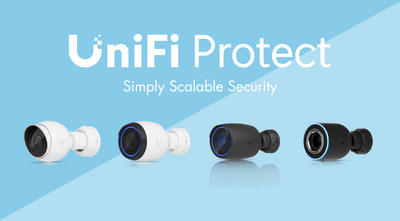
Ubiquiti’s UniFi range is designed to simplify networking without compromising on performance. Whether you’re looking for cutting-edge surveillance cameras, robust access points, or versatile cloud controllers, Ubiquiti offers reliable solutions for any environment.
Shop the complete range of Ubiquiti products today and experience unparalleled performance for your networking needs.
|
||
|